Gemini Spark on Mac: What, Why, and How Google’s Agentic Assistant is Reshaping Productivity
What if your Mac could think, plan, and execute tasks on its own—not just follow voice commands, but genuinely understand your workflow and take action across multiple apps? Why is Google betting on a new kind of AI assistant that goes beyond simple chatbots? And how can you, as a professional or business owner, leverage this tool to save hours every week? These are the questions we’ll answer as we dive into the recent launch of Gemini Spark—Google’s new agentic assistant—now available natively on macOS.
Section 1: The Rise of Agentic AI—A Paradigm Shift
For years, digital assistants like Siri or Google Assistant have been reactive: you ask, they respond. The rise of large language models brought conversational prowess, but the next frontier is agentic AI—systems that can autonomously initiate actions, make decisions, and coordinate tasks across multiple software environments. Gemini Spark embodies this shift by understanding the user’s intent, breaking it down into subtasks, and executing them with minimal human intervention.
What Makes Gemini Spark Truly “Agentic”?
Unlike traditional assistants that execute a single command, Gemini Spark uses advanced reasoning to plan multi-step workflows. For instance, when you say, “Prepare a weekly status report from my email and calendar,” Spark doesn’t just pull snippets—it scans your inbox for project-related threads, analyzes calendar events, compiles a summary, and even drafts an email to your team—all without constant prompting. It’s a shift from retrieval to autonomous problem-solving.
Real-World Example
Consider a marketing manager at a mid-sized agency. She receives over 200 emails daily and has back-to-back meetings. With Gemini Spark, she simply instructs: “Compile a list of client deliverables due this week, cross-reference with my calendar, and flag any conflicts.” Spark not only gathers the data but suggests rescheduling options and drafts reminder emails to the relevant team members. This level of automation is revolutionary for time-starved professionals.
Section 2: Installation and Setup—A Seamless Integration
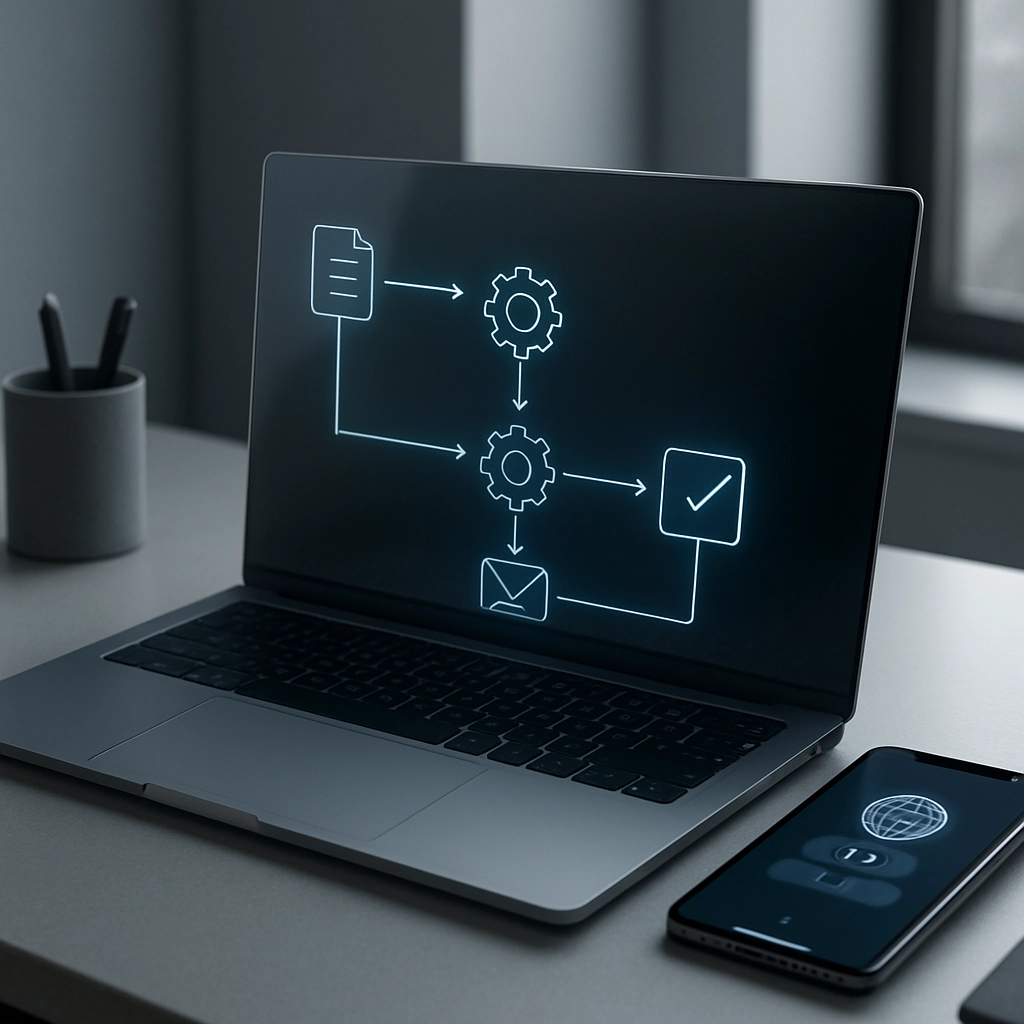
Getting Gemini Spark on your Mac is simple. The assistant is available as a dedicated app from the Mac App Store or as a browser extension for Safari and Chrome. After downloading, you’ll need to sign in with your Google account, which syncs your preferences and securely connects to your Google Workspace (Gmail, Calendar, Drive, Docs) and optionally to third-party apps like Slack or Trello via API.
Key Features on First Run
Upon first launch, Spark presents a clean, minimal interface that sits in your menu bar. You can access it with a keyboard shortcut (e.g., Command+Shift+G), and it supports voice input as well. The onboarding wizard asks about your daily workflows and suggests automations tailored to your job role—whether you’re a software developer, financial analyst, or human resources manager.
Real-World Application
A freelance consultant, for instance, can connect Gemini Spark to his invoicing software and calendar. He can say, “For any new meeting booked, create a draft invoice and send a welcome email to the client.” Spark automatically does this, integrating with his CRM and payment processor. The setup takes less than five minutes, yet the time saved accumulates to hours each week.
Section 3: Deep Integration with macOS—Beyond the Browser
One of the biggest announcements is Spark’s ability to interact with native macOS applications like Finder, Mail, Calendar, and even Notes. Using Apple’s Automation and Accessibility APIs, Spark can read and manipulate files, compose emails in the Mail app, and set up events directly in Calendar—all with your permission controls.
How It Works Under the Hood
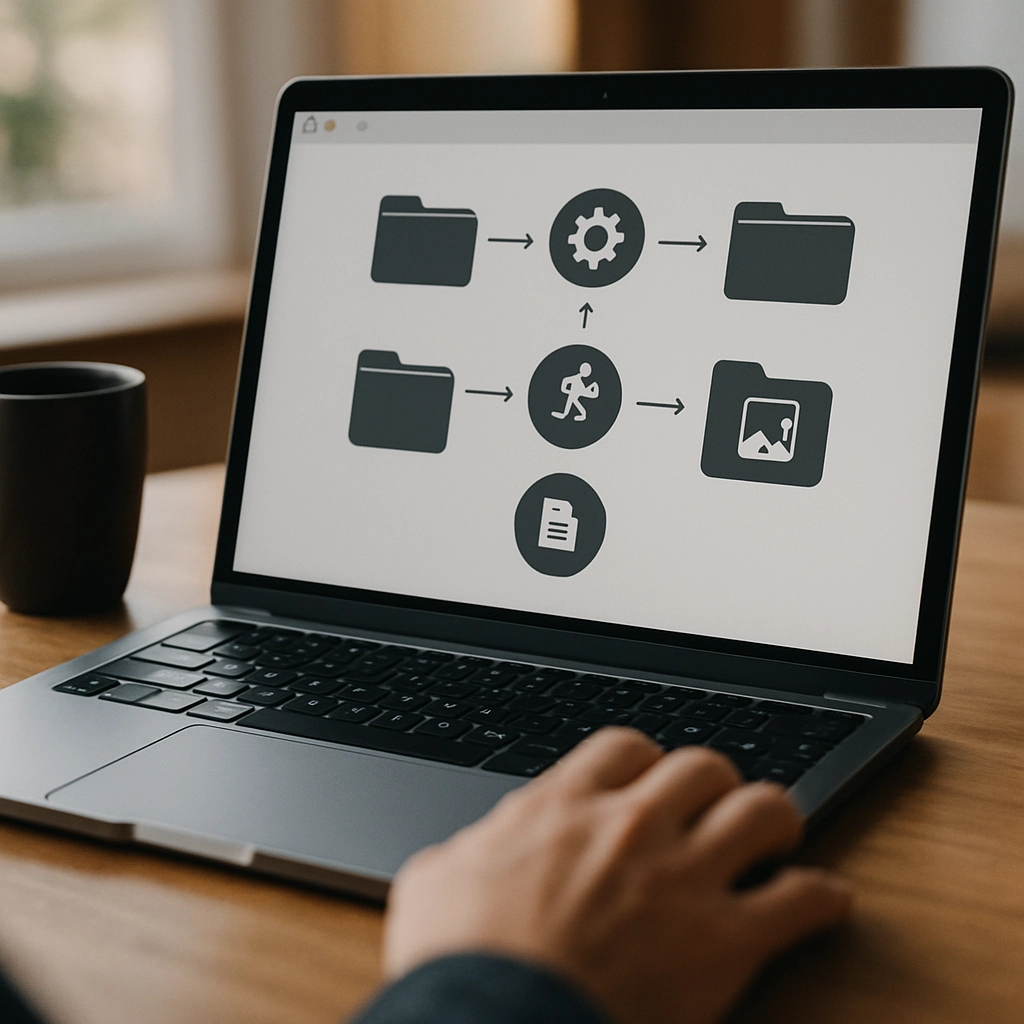
When you grant access to your filesystem, Spark can locate documents, move them to folders, rename them, or even compress and upload them to Google Drive. It can also control your music player, manage your reminders, and automate repetitive tasks like emptying trash or organizing downloads. This is made possible by a secure, permission-based framework that ensures privacy: you decide which folders and apps are accessible.
Real-World Example
Imagine a lawyer who receives dozens of PDF contracts. She can ask Spark: “Sort all PDFs in the Downloads folder by client name, rename them with the date, and move them into the corresponding client folder in Dropbox.” Spark executes this in seconds, something that could take a human ten minutes. Moreover, it does this with an audit trail, so you know exactly what was moved.
Section 4: Empowering Developers and Power Users
Gemini Spark isn’t just for non-technical professionals; it’s a boon for developers and system administrators. With the ability to execute shell commands (with explicit user approval), Spark can run scripts, test code snippets, and even manage GitHub repositories. For power users, this turns Spark into a personal DevOps assistant.
Custom Workflows and Automation
Using a simple drag-and-drop interface, you can create custom “Recipes” that trigger Spark actions. For instance, you could set a rule: “When a new file is added to the ‘Screenshots’ folder, optimize it and upload to Cloudinary.” This kind of bespoke automation is typically found in platforms like Zapier, but Spark brings it natively to macOS.
Real-World Application
Consider a developer who regularly runs tests on a codebase. He can tell Spark: “Run the test suite, analyze the output, and if any failures occur, open the relevant files in VS Code and draft a summary of possible fixes based on the error logs.” Spark can do this, cutting down debugging time substantially. It even logs all actions for future reference.
Section 5: Impact on Business and Productivity—A Game Changer
For businesses, the implications are enormous. Gemini Spark’s ability to automate back-office operations translates directly into cost savings and efficiency gains. It can handle data entry, generate reports, manage schedules, and even respond to routine customer inquiries via email or chat—all while keeping human oversight through approval checkpoints.
Workflow Transformation in SMEs
Small and medium enterprises (SMEs) often struggle with limited staff. Spark can act as a virtual team member. For example, a retail business owner can connect Spark to their inventory management system and accounting software. The assistant can monitor stock levels, automatically reorder supplies when they drop below a threshold, and update the bookkeeping. This not only saves time but reduces errors.
Real-World Example
A boutique consulting firm uses Spark to manage client onboarding. When a new client signs a contract (via digital signature), Spark creates a welcome email, sets up a project folder in Google Drive, schedules an initial kickoff meeting in the CEO’s calendar, and sends a prepared questionnaire. The entire process, previously taking two hours of administrative work, now occurs in under a minute with zero manual steps.

Section 6: Privacy, Security, and Future Prospects
With such deep integration, concerns about privacy are natural. Google has addressed this by implementing on-device processing for many commands—your data never leaves your Mac unless you explicitly enable cloud sync. For actions that require the cloud, encryption is end-to-end, and you can review and revoke permissions at any time.
Ethical Use and Control
Spark is designed to be transparent. Every action it takes is listed in an “Activity Log,” and you can undo changes with a single click. You can also set time-based access (e.g., only allow file access during work hours) and require two-factor authentication for sensitive operations. This ensures that while the AI is autonomous, the human remains in control.
Looking Ahead
The launch of Gemini Spark on Mac marks a milestone in the agentic AI trend. Future updates may include deeper integration with macOS Finder, better interoperability with iOS via Handoff, and perhaps even support for Apple’s Shortcuts. As AI becomes more predictive and contextual, we might see assistants that not only respond but anticipate needs—like preparing a meeting brief before you even glance at your calendar. The trajectory is clear: a more connected, efficient, and intelligent digital workspace.
How to Get Started Today
To begin, download Gemini Spark from the Mac App Store or visit Google’s website to install the browser extension. Start with simple tasks like “Summarize my unread emails” and gradually explore more complex automations. With each interaction, Spark learns your preferences, making suggestions that are increasingly aligned with your work style. Embrace the agentic era—your Mac is about to become a proactive partner, not just a passive tool.